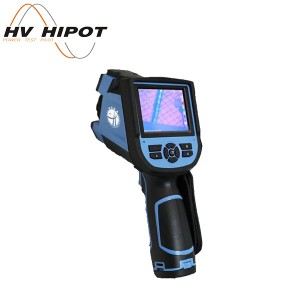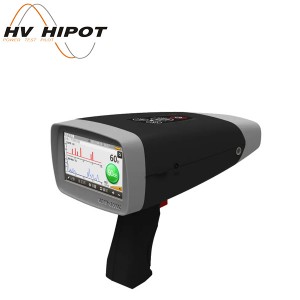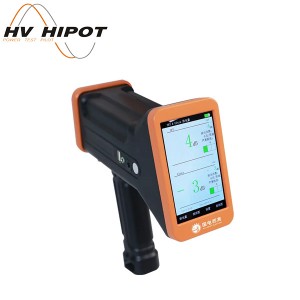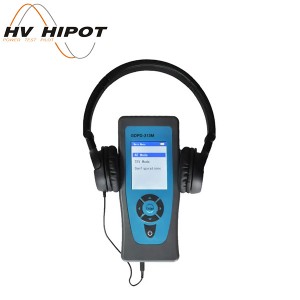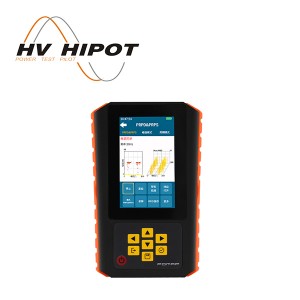
GDUI-511PD Acoustic PD Camera


|
Name |
Function Description |
|
Top status bar |
Display the current test frequency range, decibel threshold, power status, and time. |
|
Acoustic imaging |
This display indicates the detection mode of the current device. Display options vary by device model, with three modes available: acoustic imaging, thermal imaging, and internal leakage detection. |
|
Smart Noise Reduction |
Open or close the focus box to filter out noise outside the focus box. You can manually edit the size, position, and shape of the focus box. |
|
Leakage rate assessment |
Turn on/off real-time leakage rate assessment for imaging points. The device displays only the minimum leakage rate at the current location. |
|
Sound source type |
Capable of switching between steady-state and transient sound source types |
|
Decibel threshold |
Adjust the threshold for the device to capture sound signals, in dB. |
|
Dynamic range |
Adjust the dynamic range of the imaging point of the device |
|
Common Settings |
Capable of switching between gas leakage and partial discharge detection modes |
|
Local discharge spectrum |
Open or close the PRPD diagram to identify partial discharge fault types |
|
Data interaction |
You can review photos or videos and export them |
|
FFT frequency spectrum |
View sound signal distribution in the current environment |
|
More Settings |
You can view the device's hardware serial number, model, and software version. You can also change the device time and switch the device language. |
|
Photo/Video |
Switch between photo and video capture |
Send your message to us:
Write your message here and send it to us